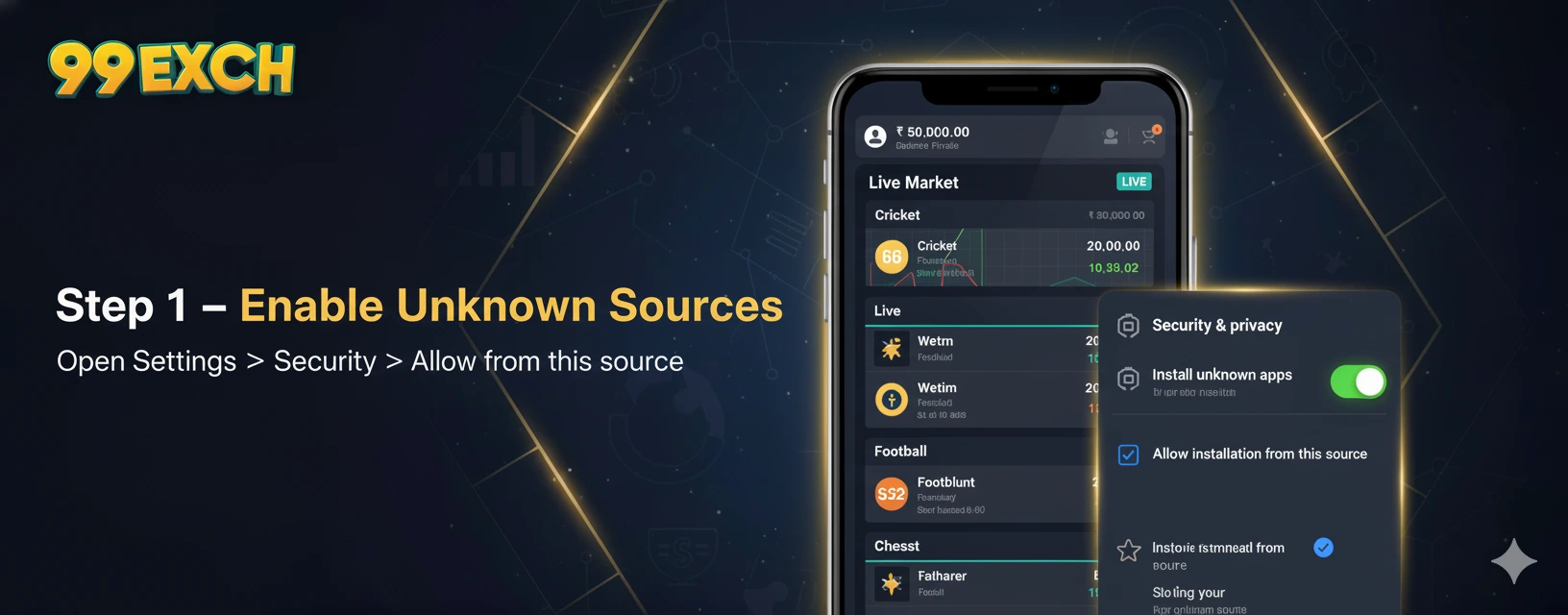
Step 1
Enable Unknown Sources
Open Settings → Apps → Special access → Install unknown apps. Allow from Chrome (or your browser) to install the APK.

Fast • Secure • Instant Access to Live Markets — Android APK download guide.
Follow these steps to safely download the Android APK, install the app and log in.
Open Settings → Apps → Special access → Install unknown apps. Allow from Chrome (or your browser) to install the APK.
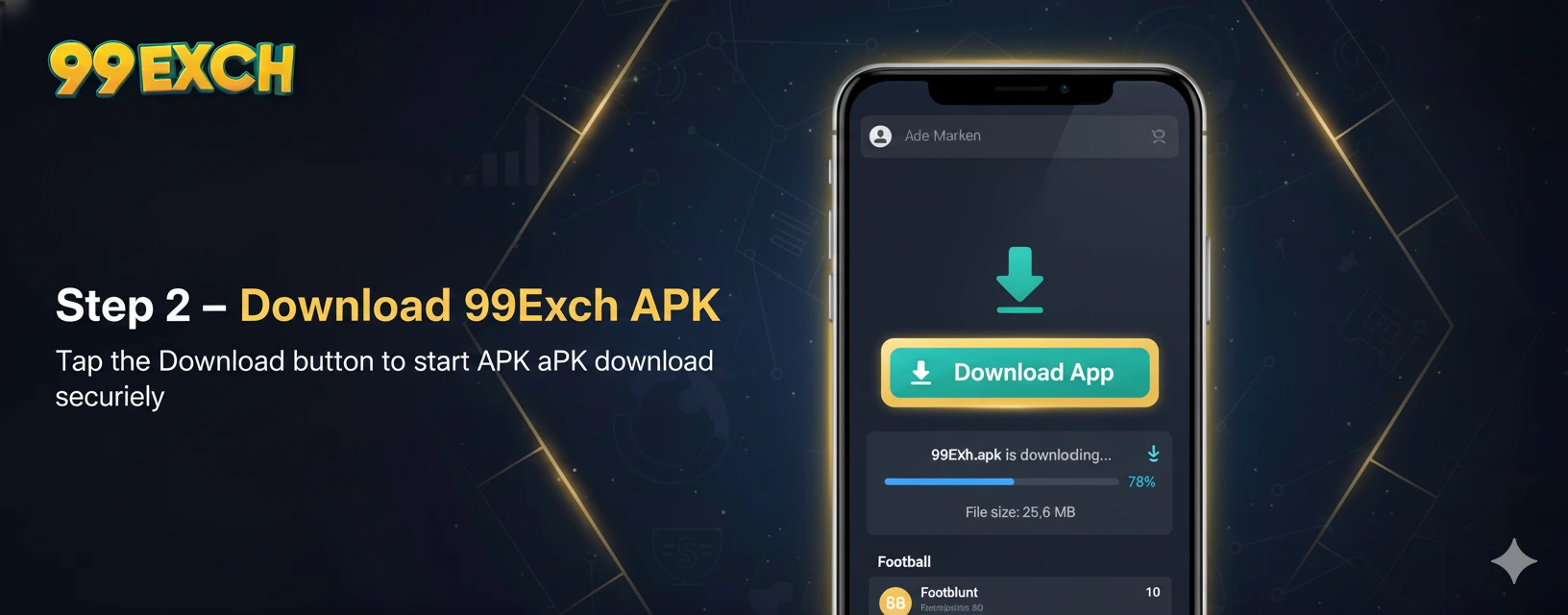
Visit the official 99exch.app download page and tap 'Download APK'. Ensure you download only from the official site for safety.
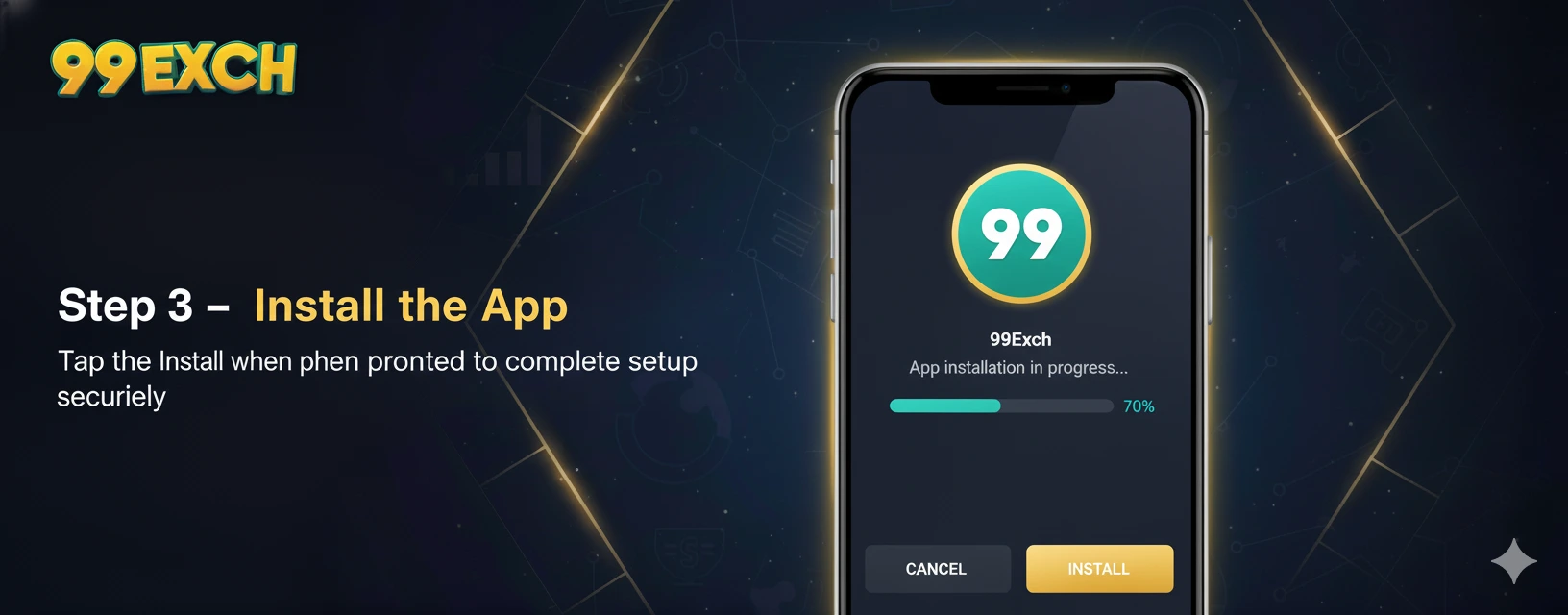
Open the downloaded APK and follow the install prompt. Tap Install and allow necessary permissions as requested by the app.
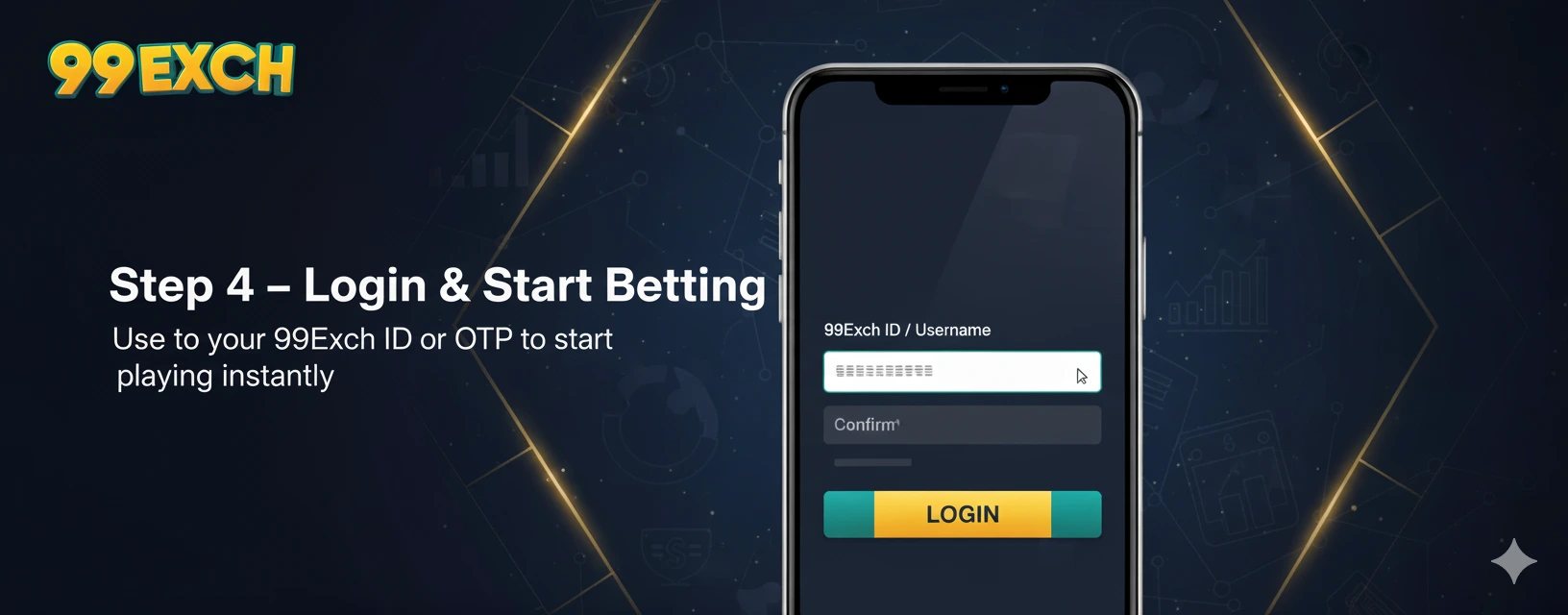
Open the app, log in with your 99Exch ID or OTP, and begin placing bets. Check for welcome bonuses in the 'Offers' section.