
99Exch App Download APK for Android
Android APK • Free download • Quick installation
Download the 99Exch App APK for Android and log in with your Cricket ID. This page has the download link, the installation steps and fixes for common problems. Need an ID? Get one from the support team on WhatsApp, available 24/7.

What Is the 99Exch App?
The 99Exch app is the Android version of the 99Exch platform for cricket fans. Instead of opening the website in your browser each time, you install the app once and open it from your home screen. You sign in with the same Cricket ID that support gives you, so there is no separate account to create for the app.
The app is not on the Google Play Store. It comes as an APK file, which is a normal Android installation file. This page is the place to get it. The rest of the page explains what you need, how to install it step by step, and what to do if something goes wrong.
99Exch App APK Information
| Application Name | 99Exch App |
|---|---|
| Platform | Android |
| Supported Android | Android 7.0 and above |
| Category | Sports Exchange Application |
| Developer | 99Exch |
| License | Free |
| Installation Type | APK manual installation |
| Supported Devices | Android smartphones and tablets |
| Download Source | 99Exch website (this page) |
What You Need Before Installing the App
Android 7.0 or above
Check your version in Settings, under About phone. The app is installed from an APK file on Android smartphones and tablets.
A Cricket ID
You log in with your Cricket ID. Get one from the support team on WhatsApp, shared instantly after verification. You must be 18 or older.
Internet and free space
Use a stable connection so the download does not stop halfway, and keep some free storage on your phone for the installation.
How to Download and Install the 99Exch App on Android
Installing the 99Exch App takes a few minutes. Follow the four steps below.
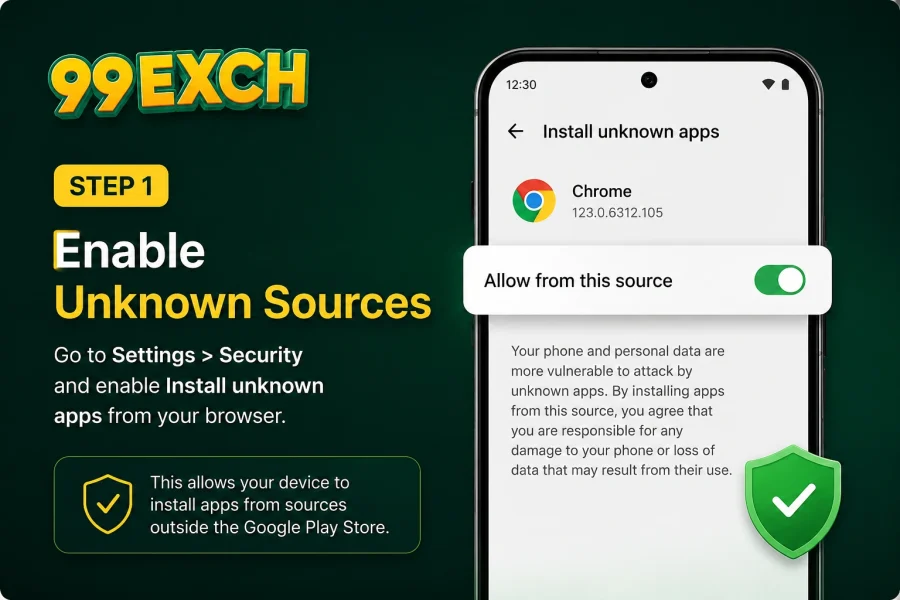
Enable Unknown Sources
The app is provided as an APK file, so Android asks for permission before installing apps from outside the Google Play Store. Open your device settings, go to Security or Privacy, and allow installation for your browser or file manager. You only need to do this once.
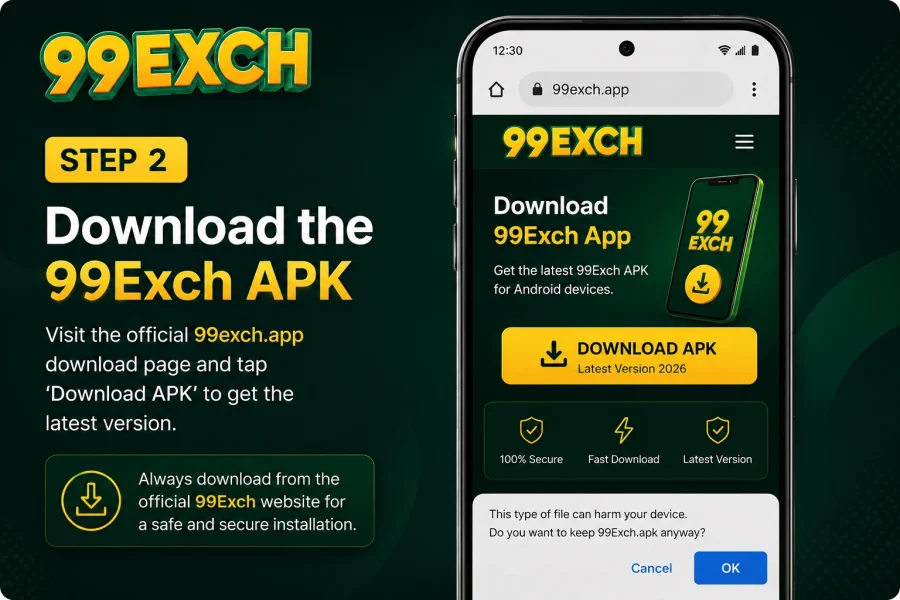
Download the APK
Tap the Download APK button on this page. When the download finishes, the APK file is in your Downloads folder.
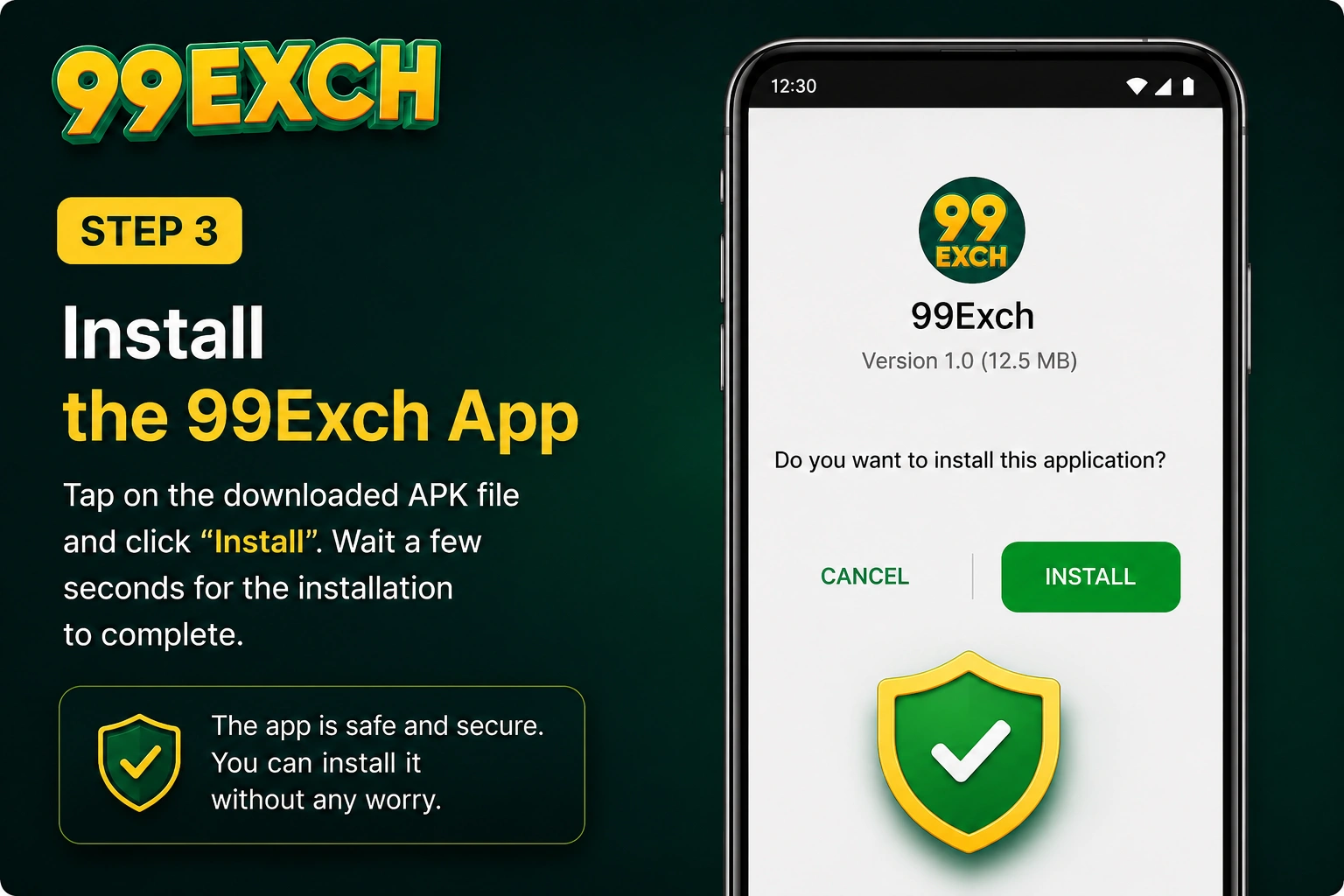
Install the App
Open the downloaded file and tap Install. The installation usually finishes within a few seconds, and the app icon appears on your home screen or app drawer.
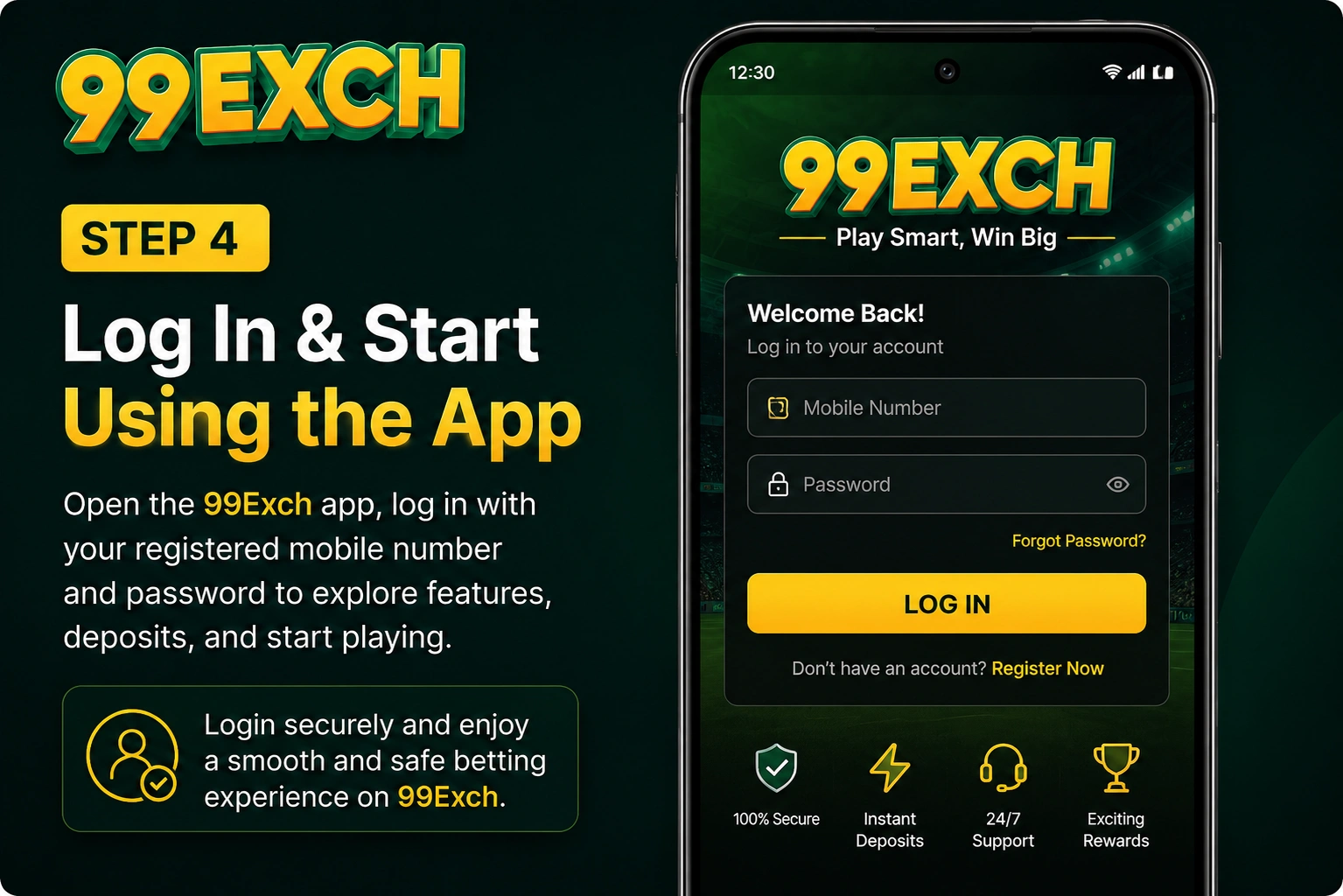
Log In
Open the app and log in with your Cricket ID. Don’t have one yet? Message the support team on WhatsApp at +91 89887 88885 (24/7) to get your ID. See the Get ID guide, or read how to find your 99Exch login link.
Only download the app from this page. Do not install it from other websites, messages or links. If you are unsure, contact support on WhatsApp first.
Common Installation Problems and Fixes
Most problems are small and easy to fix. Check the cases below before you contact support.
The install button is blocked
Android blocks APK files until you allow installation from your browser or file manager. Go back to Step 1, switch the permission on for the app you used to download the file, then open the APK again.
You see an “App not installed” message
This usually means the download is incomplete or damaged, or the phone has run out of storage. Delete the file, free up some space and download the APK again over a steady connection. If an older copy of the app is installed, remove it first and then install the new file.
The app installs but does not open or log in
Check your internet connection and make sure you type your Cricket ID exactly as support gave it to you. If it still does not work, message support on WhatsApp at +91 89887 88885 and they will check the ID with you.
Your phone shows a security warning
Do not continue if you are unsure. Stop and message support on WhatsApp to confirm that you are installing the right file from the right page.
99Exch App & APK FAQs
Answers to common questions about downloading, installing and using the 99Exch app on Android.
Yes. The download is free. You only need your Cricket ID to log in.
Android 7.0 and above. To check your version, open Settings and look under About phone.
This page provides an Android APK only. If you use an iPhone, message support on WhatsApp at +91 89887 88885 and ask what is available for your device.
Download the APK again from this page and install it over your existing version.
Yes. The app is an APK file, so you only need to allow installation from your browser or file manager in your Android settings.
Check that your device runs Android 7.0 or later and that installation from your browser or file manager is allowed. Delete any incomplete download and download the APK again. If it still fails, message support on WhatsApp at +91 89887 88885 (24/7).
Yes. You log in with a Cricket ID. Message the support team on WhatsApp to get one. It is shared instantly after verification, and you must be 18 or older.
Message support on WhatsApp at +91 89887 88885 to get your login link. You can also read the 99Exch login page for the steps.
Press and hold the app icon, tap Uninstall, and confirm. Your Cricket ID is not deleted, so you can install the app again later and log in.
Only download the app from this page. Do not install it from other websites, messages or links. If you are unsure, contact support on WhatsApp first.
After You Install the App
Once the app is on your phone, these pages help you with the next step. Read the Get ID guide if you do not have an ID yet, the login page to find your login link, the FAQ for quick answers, and the bonus offers page for current offers.
This service is for adults aged 18 and above. Play responsibly and only within what you can afford.
Get the 99Exch App for Android
Download the APK, install it, and log in with your Cricket ID. If you don’t have an ID yet, get one from the support team on WhatsApp first.